
Two things work well in a pipeline: checking that every test case file is valid, and publishing the dashboard. Neither uses an AI model, so the pipeline needs no agent and no API key. Generating and updating tests stays in your AI agent, where you approve each step.
Check the test cases
Add a step that runs:
dotnet tool install -g Spectra.CLI
spectra validate --no-interaction
spectra validate checks every file in test-cases/: the format, required fields and unique IDs. It exits with
code 1 when a file is invalid, so the build fails. Add --output-format json to get the errors as JSON.
Publish the dashboard
spectra init writes .github/workflows/deploy-dashboard.yml. On every push to main that changes
test-cases/, docs/, .execution/ or spectra.config.json, it:
- installs SPECTRA,
- runs
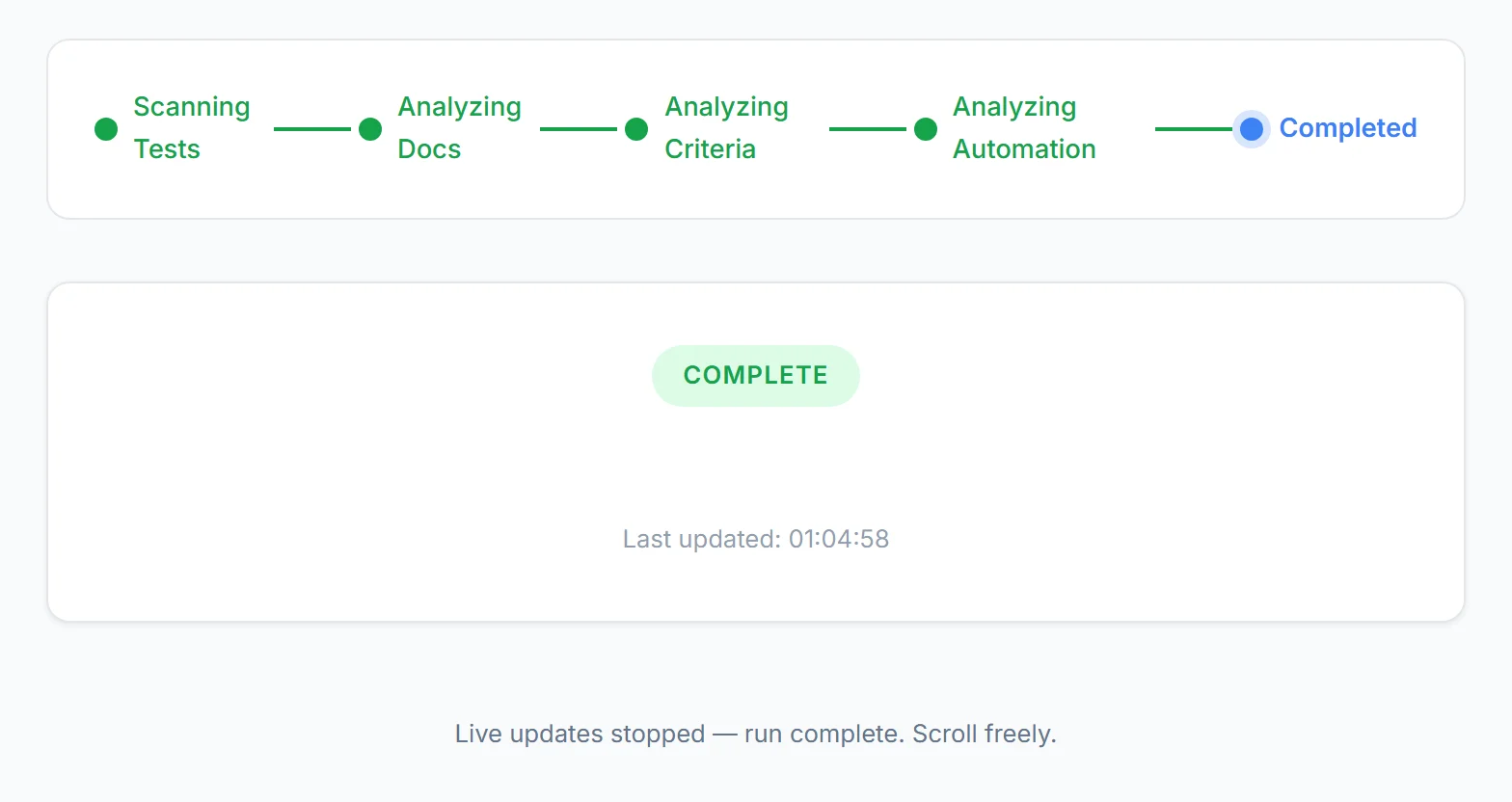
spectra ai analyze --coverage --auto-link(coverage and automation links), - runs
spectra dashboard --output ./site, - deploys
site/to Cloudflare Pages.
It needs two repository secrets, CLOUDFLARE_API_TOKEN and CLOUDFLARE_ACCOUNT_ID. Setup, including sign-in for
the dashboard: Cloudflare Pages setup. For another host, keep steps 1–3 and
publish site/ your way (Deployment).
Flags for scripts
| Flag | Effect |
|---|---|
--no-interaction |
never waits for input |
--output-format json |
machine-readable result on stdout |
--verbosity quiet |
only the result, no progress output |
spectra ai analyze --coverage writes its report with --format json --output coverage.json; it doesn’t use
--output-format (a known inconsistency).
Under the hood
Every model step in SPECTRA runs in your AI agent’s session through a skill; the CLI only builds prompts and saves results. There’s no documented headless way to run the generate or update flows in CI, so keep them in the agent. All commands and exit codes: CLI reference.