
Acceptance criteria are the testable requirements in your docs: the sentences with MUST, SHOULD or MAY. Your AI agent pulls them out of each document, or imports them from an export you already have. Test generation needs them, and coverage shows which ones have tests.
What to say
“Extract acceptance criteria”
“Import criteria from jira-export.csv”
“List acceptance criteria”
“Show criteria for payments”
All four use the spectra-criteria skill.
What you’ll see
-
A progress page with three steps: find changed docs, extract, summarize.
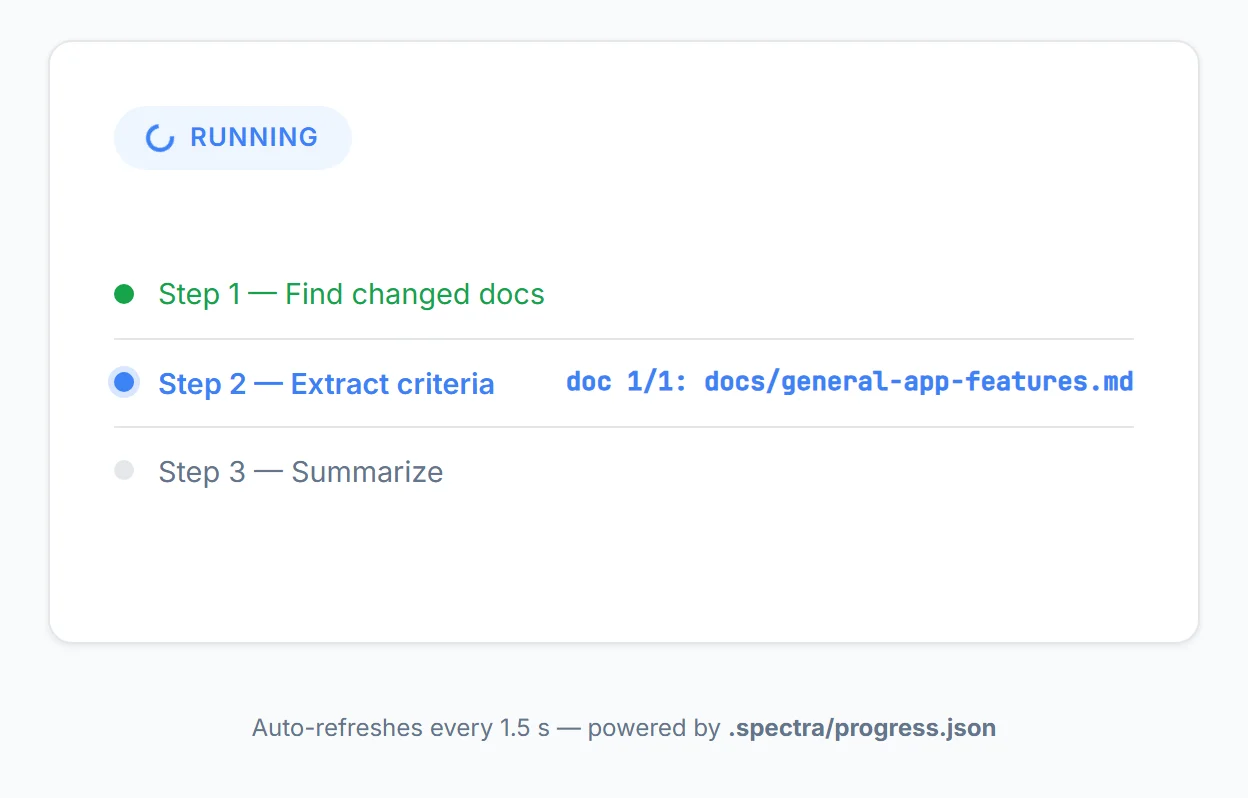
- Only new or changed documents are processed. SPECTRA remembers what each document looked like at the last extraction. If nothing changed, the agent says “Acceptance criteria are up to date” and stops. To redo every document, say so: “Re-extract acceptance criteria for all docs”.
- Moved or deleted documents. If a document was renamed, its criteria and their IDs move with it. If it was deleted, the agent shows its criteria and the tests that still link to them, and asks before it removes them.
-
A summary per document: how many criteria were added, changed or removed.
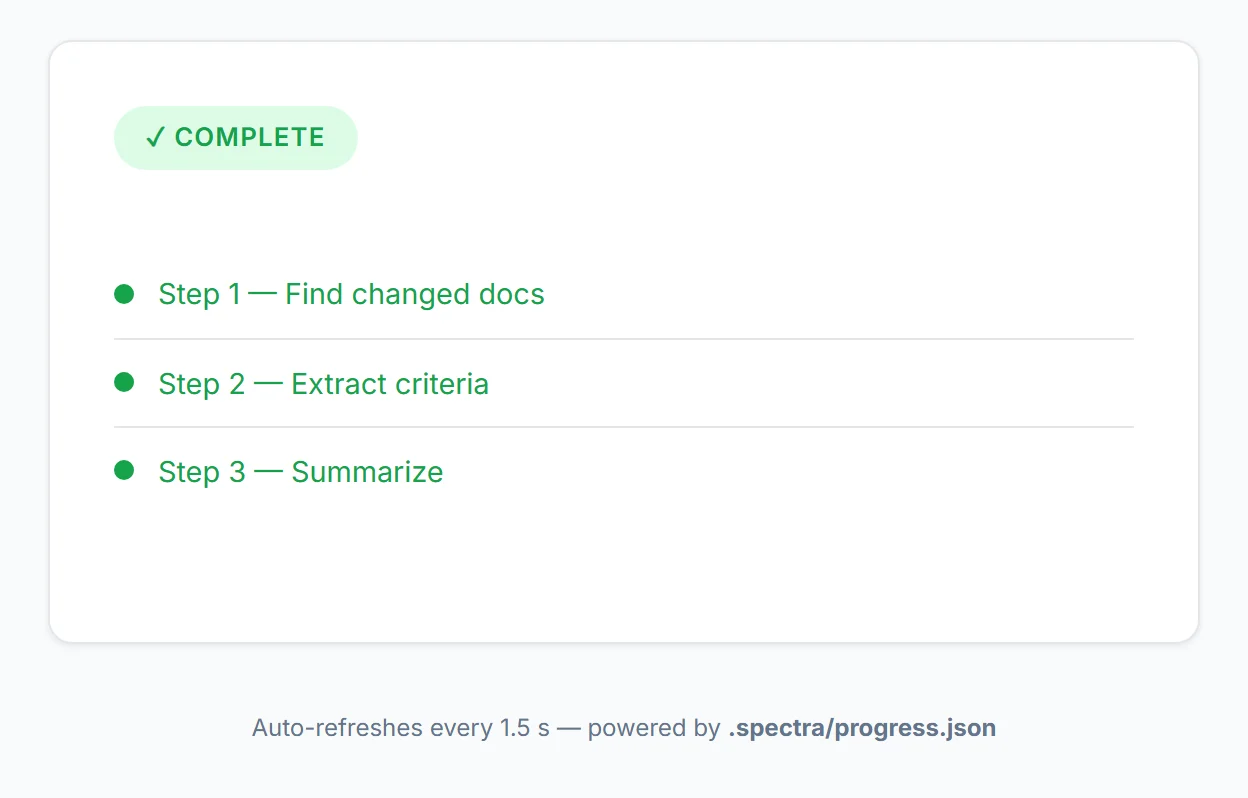
A real run: 70 criteria from the Calculator demo's general-app-features.md.
Importing reads a .csv, .yaml/.yml or .json file and merges it with what you have. Say “replace” if the
import should overwrite existing criteria instead. No AI model is used for an import.
Where the results are
| What | Where |
|---|---|
| Criteria for one document | docs/criteria/ + the document’s path, ending .criteria.yaml. For docs/checkout.md: docs/criteria/docs/checkout.criteria.yaml |
| The list of all criteria | docs/criteria/_criteria_index.yaml |
Each criterion has a stable ID, for example AC-GENERAL-APP-FEATURES-005. Test cases list the criteria they cover in
their criteria: field.
Next
- Generate test cases for the documents.
- Check coverage to see which criteria have no tests yet.
Under the hood
spectra docs changed lists the documents whose content changed since the last extraction. For each one the
spectra-extractor subagent reads the document and returns the criteria; the CLI validates and saves them. Import
is spectra ai analyze --import-criteria <file> [--replace]. File format: Configuration,
commands: CLI reference.