
Your AI agent reads your documentation, proposes what to test and waits for your OK. Then it writes one Markdown file per test case and checks each one against your docs.
Before you start: your repository is set up (Getting started) and has acceptance criteria for
the docs you want to test (Extract acceptance criteria). Without criteria, generation stops with a
MISSING_INPUT message.
What to say
“Generate test cases for payments”
“Generate negative test cases for payments”
“Generate 50 test cases for gdpr-compliance”
“Generate more test cases for authentication”
payments is the name of a suite: a folder under test-cases/. A new name creates a new suite. All four requests
use the spectra-generate skill.
What you’ll see
-
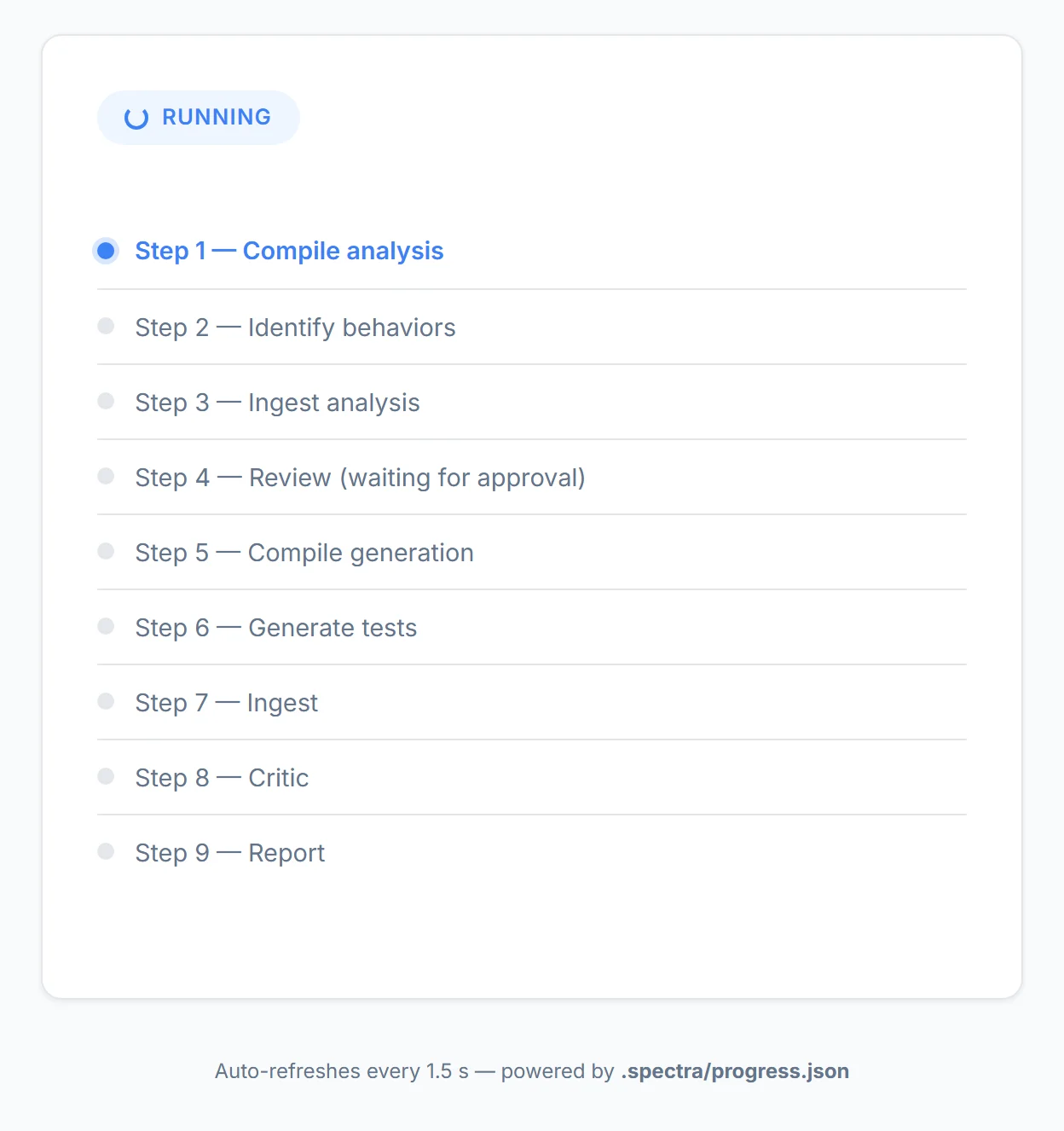
A progress page opens in your browser. It shows each step and updates while the agent works.
-
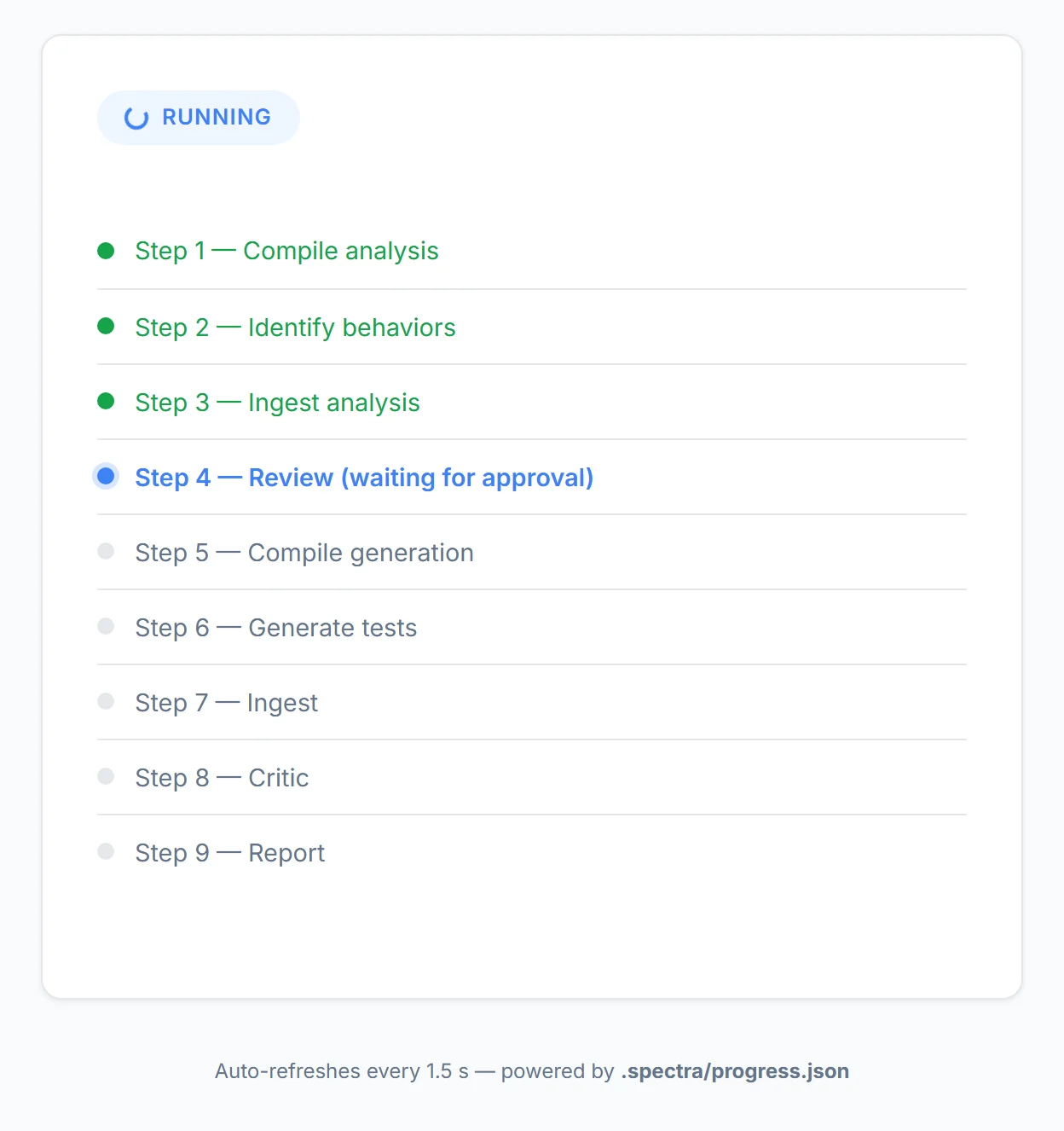
A recommendation, then a pause. The agent lists the behaviours it found in your docs, how many tests it recommends, and which behaviours existing tests already cover. Then it asks “Shall I proceed?” and waits. Nothing is written until you answer.
-
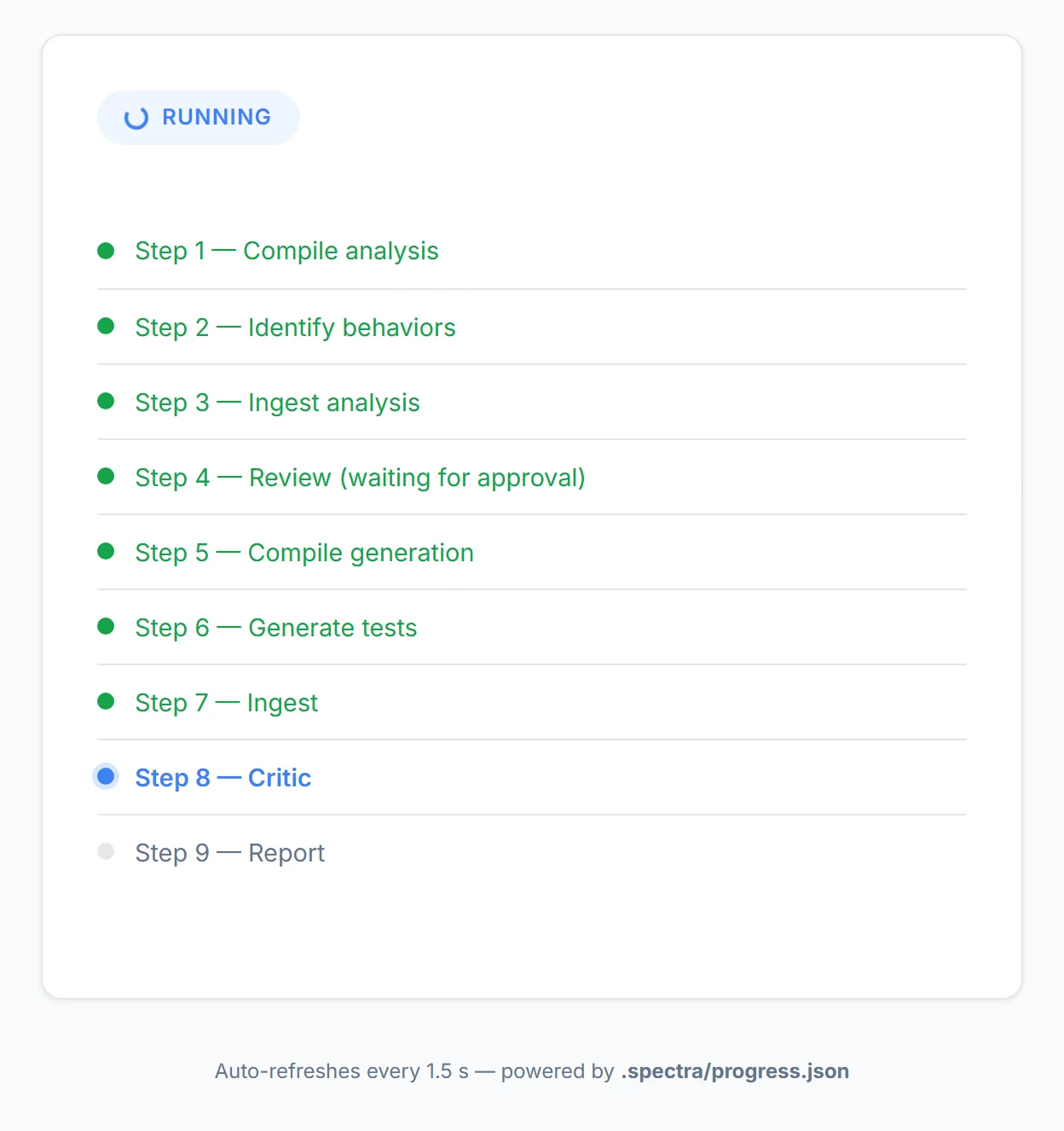
Writing and checking. After your OK, the agent writes the tests. Then the critic, a separate AI check, compares every step and expected result with your docs.
-
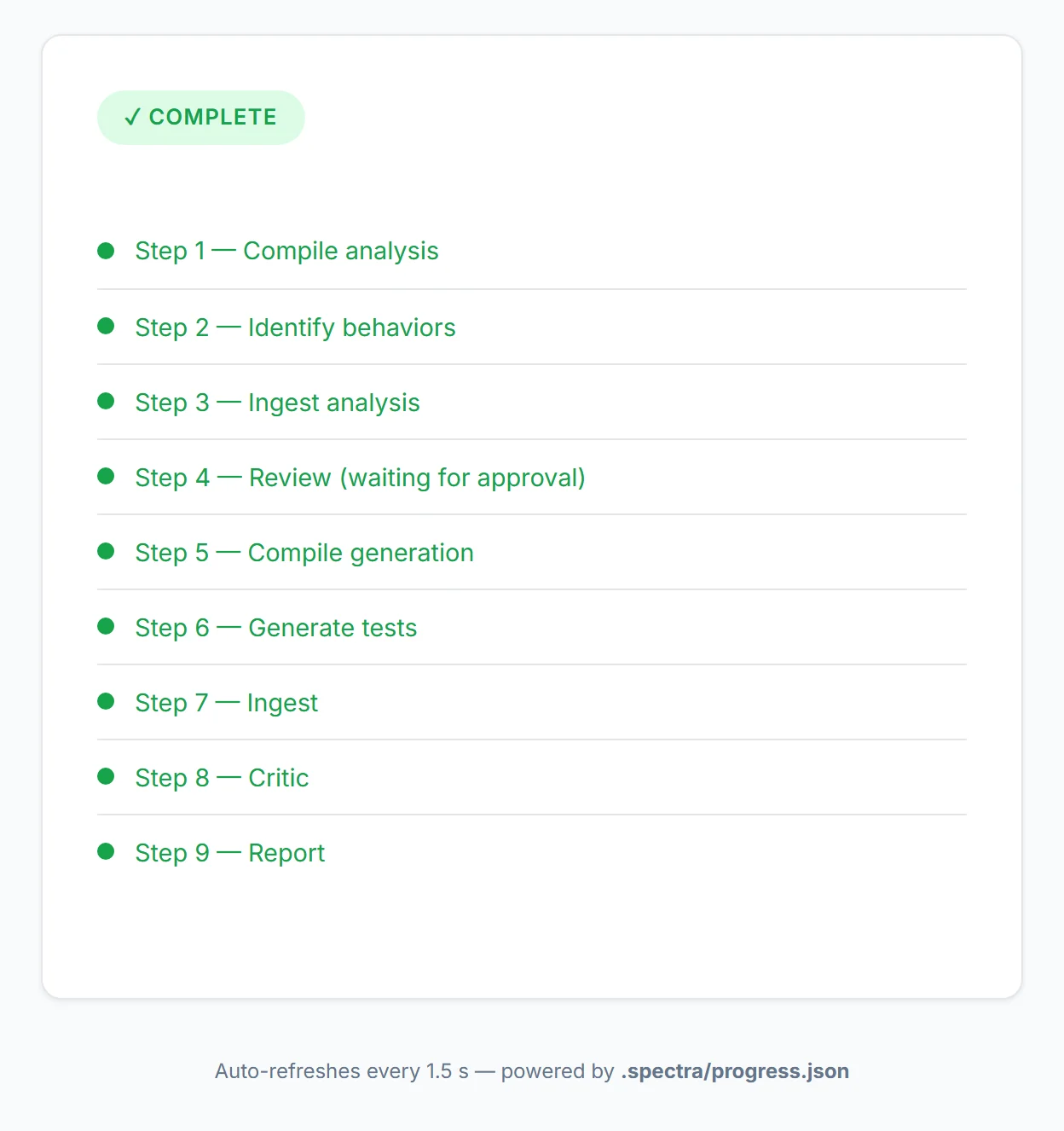
A report. For each test you get its ID, title and the critic’s result:
- grounded: everything in the test is backed by your docs. The test is kept.
- partial: one or more details aren’t in your docs. The agent tries one repair; if the test is still partial, it’s flagged for you to review.
- hallucinated: the test invents behaviour or contradicts your docs. It’s deleted, and the reason is recorded.
A real run: 5 tests for the Windows Calculator demo. Three were grounded at once; two were partial, repaired, and then grounded.
If the report lists flagged tests, see Review flagged tests.
Make the request more specific
- Focus: name the kind of tests: “negative”, “edge case”, “security”. The analysis uses it to pick behaviours.
- Count: give a number only if you need one. Without a number, the agent uses its recommendation.
- One scenario: describe it: “Add a test case to payments: a declined card shows the retry message”. The agent skips the analysis and writes that one test.
Where the results are
| What | Where |
|---|---|
| Test cases | test-cases/<suite>/TC-<number>.md, one file per test (Test format) |
| The critic’s result | the grounding: section at the top of each test file |
Commit the test files like any other source file.
Known issue: a new test can reuse an ID that another suite already has. After generating, ask your agent to “validate all test cases”. If it reports duplicate IDs, run
spectra doctor ids --fixand thenspectra index --suite <suite>.
The progress page reads
.spectra/progress.json. If it stays on the first step, your browser blocked that file: serve the.spectrafolder over HTTP (for examplenpx http-server .spectra) and openseam-progress.htmlthere.
Under the hood
The spectra-generate skill drives three subagents: spectra-analyst (finds behaviours and plans batches),
spectra-generator (writes one batch) and spectra-critic (checks one test). The spectra CLI never calls a
model: it builds each prompt and validates and saves what the model returns. Details:
How SPECTRA double-checks your tests, Skills and agents,
CLI reference.