
In this tutorial you install SPECTRA, set up a repository and get your first test cases from your AI agent. It takes about ten minutes plus the agent’s working time.
Keep your product docs in docs/. Your agent pulls out the testable requirements.
Ask for test cases. You approve the plan; your agent writes one file per test.
Every test is checked against your docs. You decide on the ones that are flagged.
Ask to run a suite and record each result in a console in your browser.
See which docs, criteria and tests are covered, on a dashboard you can publish.


This tutorial covers the first two steps. The guides linked at the end cover the rest.
Before you start
- The .NET 8 SDK or later.
- Claude Code, signed in. (Using Copilot, Cursor or another agent? See
Use SPECTRA with other agents; the steps below are the same after
init.) - A repository with your product documentation as Markdown files in a
docs/folder. One page with a few “MUST” statements is enough to try it.
SPECTRA doesn’t call an AI model itself. All AI work runs in your agent’s session, so there is no API key to set up.
1. Install SPECTRA
dotnet tool install -g Spectra.CLI
2. Set up your repository
In the root of your repository, run:
spectra init
SPECTRA asks one question: where your automated test code lives, so it can link automated tests later. Press Enter to keep the defaults.
init creates spectra.config.json, a test-cases/ folder, and the skills and subagents your agent uses (in
.claude/). If docs/ already has files, it also indexes them. Commit these files.
3. Extract acceptance criteria
Open Claude Code in the repository and say:
“Extract acceptance criteria”
The agent reads each document and saves the testable requirements it finds. Test generation needs them. More: Extract acceptance criteria.
4. Ask for test cases
Pick a name for your first suite, for example checkout, and say:
“Generate test cases for checkout”
A progress page opens in your browser. After a minute or two the agent shows what it would test and how many tests it recommends, then asks “Shall I proceed?”:
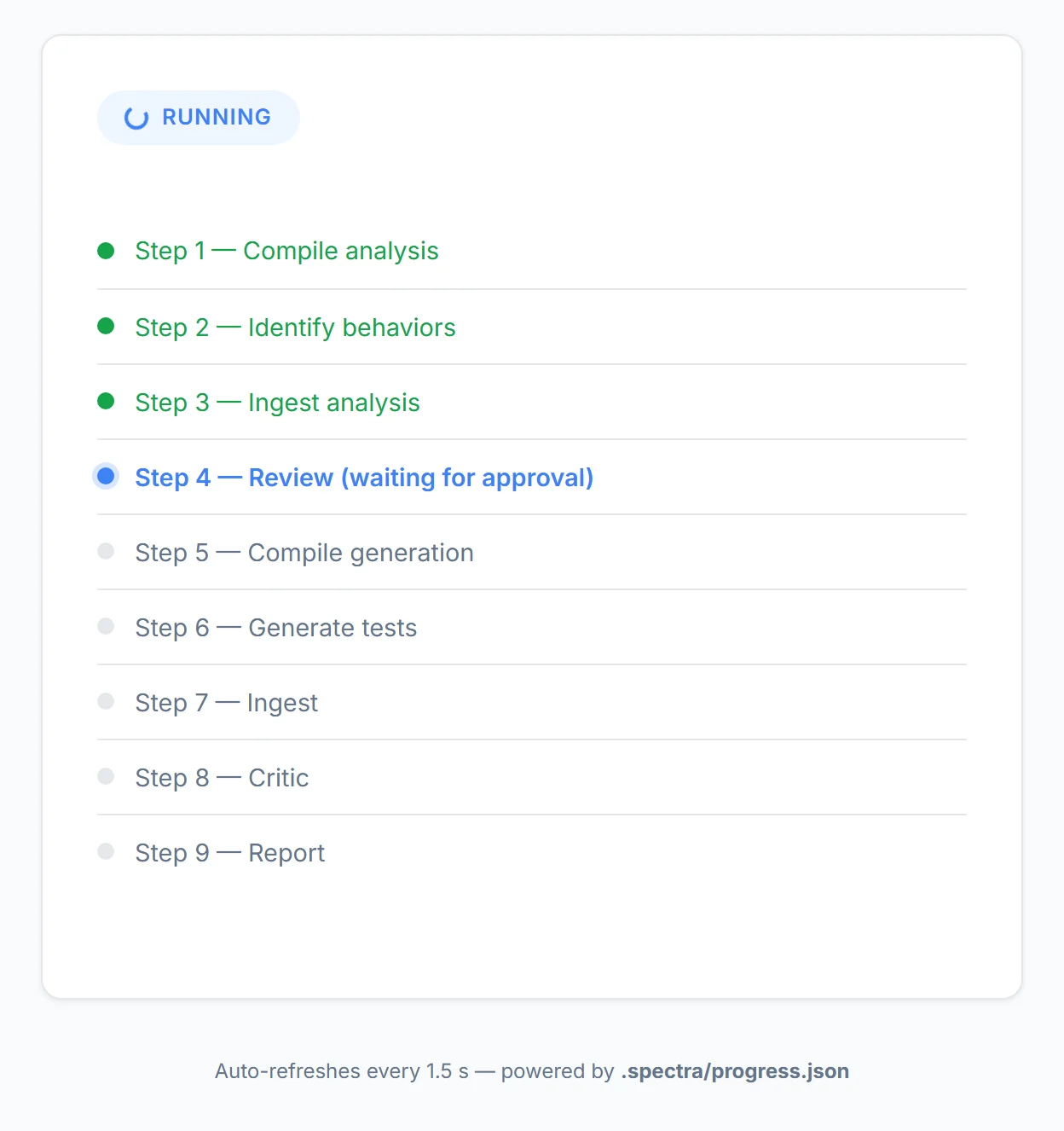
Read the recommendation and say “yes”. You can also change it first: “only the negative cases”, “skip the security ones”.
5. Check the result
The agent writes the tests and checks each one against your docs. Its report lists every test with one of these results:
- grounded: everything in the test is backed by your docs.
- partial: a detail isn’t in your docs. The agent tries one repair; tests it can’t fix are flagged for you.
- hallucinated: the test invents behaviour. It is deleted.
Your tests are now in test-cases/checkout/, one Markdown file per test. Open one: it has a title, steps, an
expected result and links to the doc sections it came from (Test format).
Next steps
- Review flagged tests
- Check coverage and build the dashboard
- Run tests with your agent
- Update tests when your docs change
- Not sure what to ask? Say “help” or “help me get started” to your agent.